Why I’m Writing This
As a designer, I’ve noticed something: people often assume that the tool makes the designer.
I don’t agree. I believe the designer makes the tool work for them.
Over the years, I’ve experimented with dozens of tools — some I loved, some I dropped after a week. Today, I have a set I come back to again and again because they fit how I think, design, and collaborate.
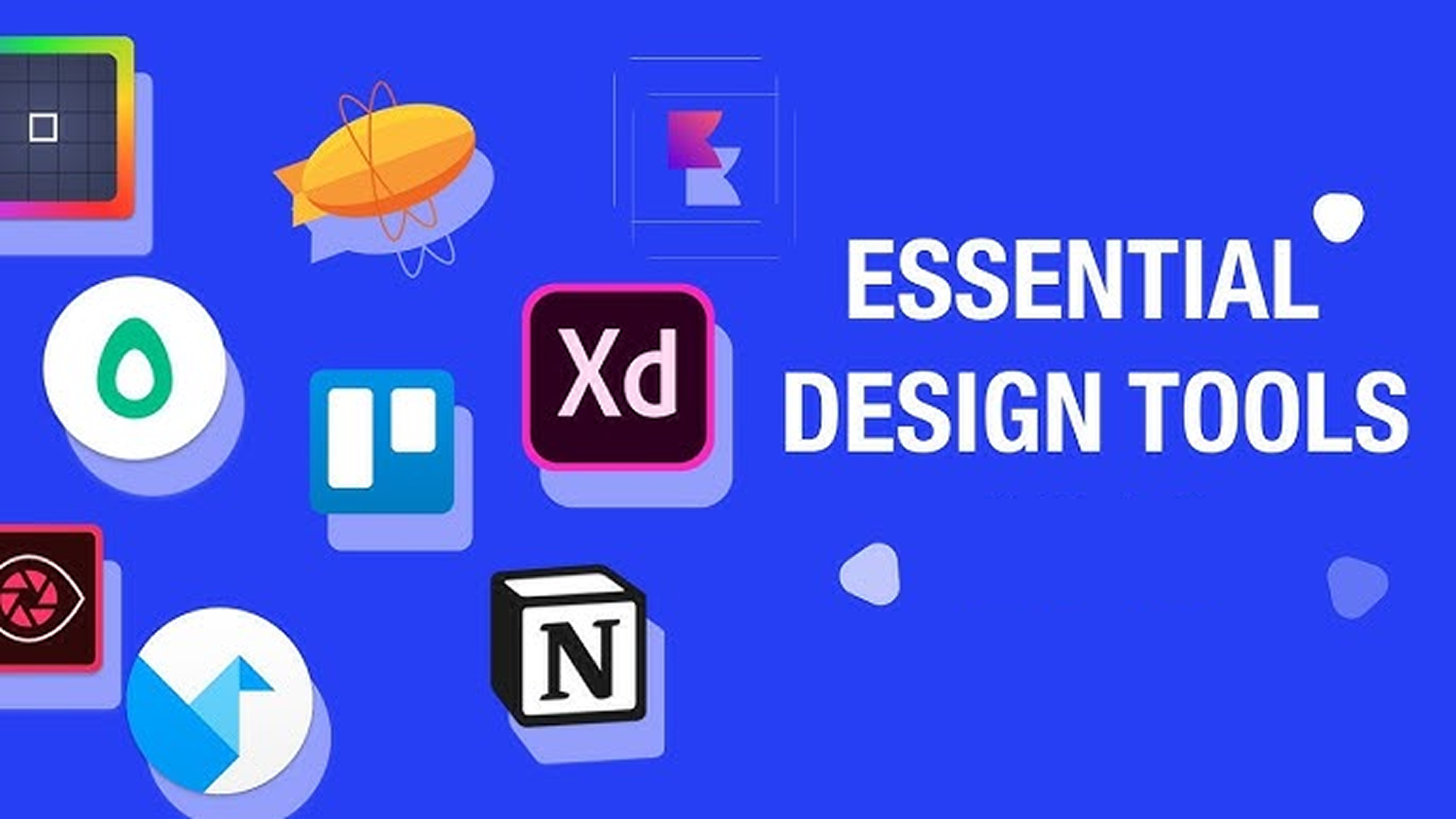
Figma – My Everything Design Space
I’ll be honest Figma changed my life as a designer.
I use it for:
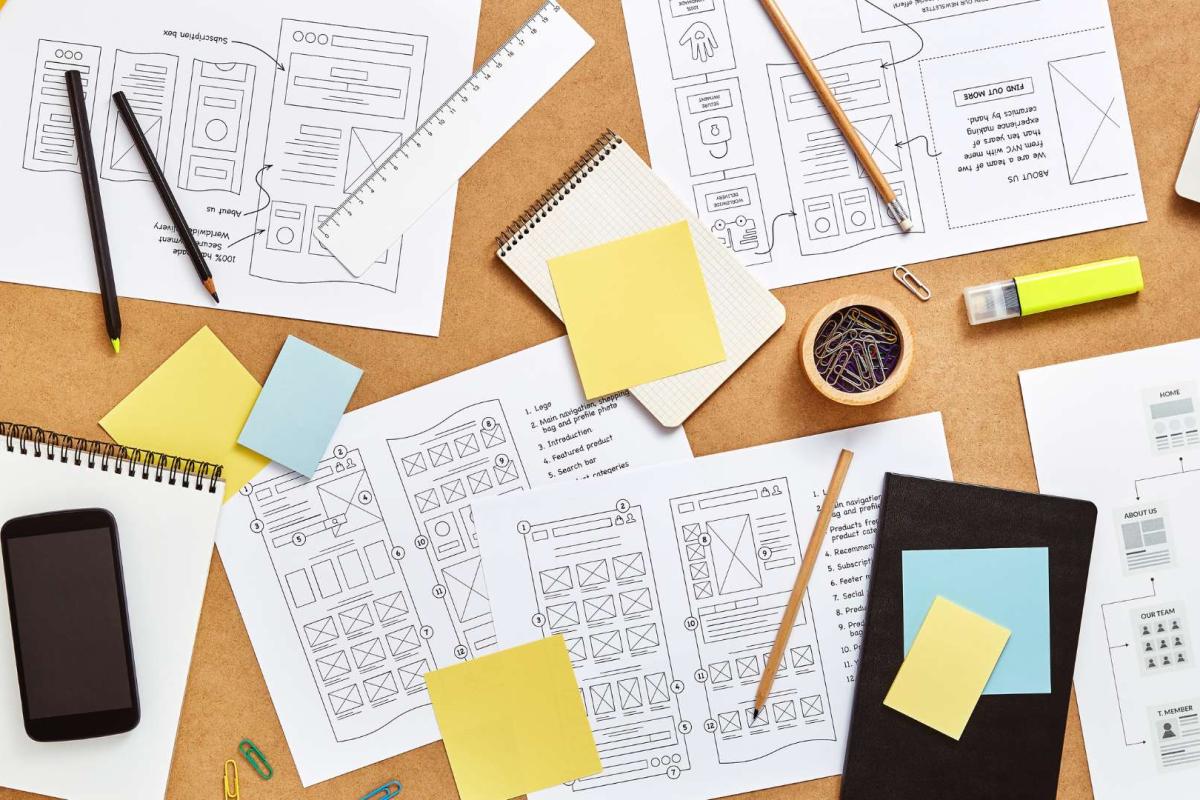
- Wireframing quick ideas during early concept phases.
- High-fidelity mockups that look almost ready to ship.
- Prototyping flows for usability tests.
- Design system management so my components stay consistent across projects.
Why I love it:
- Real-time collaboration means I can design while stakeholders watch and give feedback instantly.
- The plugin library is insane: icons, illustrations, stock photos, accessibility checks… all without leaving the file.
Notion – My Brain Outside My Head
I use Notion to keep my design life organized.
- Project documentation: briefs, goals, and deadlines in one spot.
- UX research storage: survey results, interview notes, and usability findings.
- Personal design journal: thoughts and lessons from each project.
Why I love it:
It’s flexible enough for both structured documentation and messy brainstorming.
Miro – My Collaboration Playground
I bring Miro into the process when I need to think visually with a team.
I use it for:
- User journey maps
- Affinity mapping research findings
- Workshop activities with remote teams
Why I love it:
It feels like a giant whiteboard where ideas can grow without boundaries.
Adobe Photoshop – My Visual Refinement Tool
While most of my work lives in Figma, Photoshop still has a place in my workflow for:
- Editing and retouching images for case studies.
- Creating polished graphics or marketing materials.
It’s not my daily driver, but when I need pixel-level control, nothing beats it.
How They Work Together
Here’s how these tools fit into my typical design flow:
Idea & Research → Notion & Miro
Wireframing & Design → Figma
Visual Refinement → Photoshop
Documentation & Handoff → Figma + Notion
By keeping each tool in its lane, I avoid overwhelming myself with too many overlapping features.
Final Thoughts
At the end of the day, tools are just… tools.
The real magic comes from knowing why you’re using them and how they help you design better experiences.
For me, Figma, Notion, Miro, and Photoshop aren’t just apps, they’re partners in my creative process.